Web accessibility used to be something therapists heard about once, filed under “later,” and forgot. That’s over. In 2026, accessibility is three things at once: a technical standard that keeps changing, a legal exposure that keeps widening, and a quality signal search engines quietly reward. Here’s where each of those is heading, and what a small practice should actually do about it.
What’s Changing in Web Accessibility for 2026?
Five shifts matter for therapy websites in 2026: WCAG 2.2 is the working standard and WCAG 3.0 is in draft; ADA-related legal pressure on small businesses keeps growing; search engines increasingly reward accessible sites; overlay widgets have lost credibility; and cognitive accessibility is moving from afterthought to expectation.
This piece covers the direction of travel. For the hands-on build guide (menus, sensory load, page-by-page fixes), see our companion post on autism-friendly web design for therapy websites. This one is about the decisions you’ll face over the next couple of years.
WCAG 2.2 Is the Standard Now, and WCAG 3.0 Is Coming
The Web Content Accessibility Guidelines moved to version 2.2 in late 2023, and that’s now the reference point courts, procurement teams, and accessibility consultants reach for. (An earlier version of this post treated 2.2 as pending. It isn’t. It’s the standard.)
For a therapy website, the 2.2 additions are surprisingly practical:
- Target size. Buttons and links need to be large enough to tap without precision. Your mobile booking button, in other words.
- Accessible authentication. No cognitive puzzles just to log in or submit a form. If your client portal makes people transcribe distorted text, that now counts as a failure.
- Dragging alternatives. Anything drag-based, like some calendar widgets, needs a click-based way to do the same thing.
- Redundant entry. Don’t make people retype information they already gave you in the same process. Intake forms, take note.
WCAG 3.0 sits further out: a public working draft with a different scoring model, moving from pass/fail toward graded outcomes. It’s years away from being required anywhere. Build to 2.1/2.2 AA now and 3.0 will mostly take care of itself.
The Legal Picture: ADA Exposure Without the Panic
You’ve probably seen the scary emails. “Your website violates the ADA — act now.” Set those aside. Here’s the sober version.
The ADA doesn’t include a technical standard for private-business websites. What exists instead is case law, and courts have repeatedly treated WCAG as the benchmark for whether a site counts as accessible. Digital accessibility lawsuits and demand letters have kept rising, and small businesses — healthcare practices among them — are regular targets. We won’t quote case counts here, because the figures circulating online are inconsistent and usually vendor marketing. The direction, though, is not in dispute.
Two signals worth watching:
- The DOJ’s 2024 rule. The Department of Justice finalized a rule requiring state and local government web content to meet WCAG 2.1 AA. It doesn’t bind private practices, but it tells you where expectations are settling.
- The European Accessibility Act. If you serve EU-based clients or sell digital products into the EU, its requirements began applying to many digital services in June 2025.
None of this is a reason to panic, and anyone selling you compliance through fear deserves your skepticism. It is a reason to fold accessibility into normal site maintenance, the way you treat SSL renewals: quietly, routinely, before it’s urgent. The ADA’s own web guidance is the primary source worth bookmarking.
Accessibility Now Doubles as an SEO and Quality Signal
Google doesn’t publish an “accessibility ranking factor,” and anyone who tells you otherwise is improvising. What’s true is subtler and more useful: almost everything accessibility asks of you is something search engines already reward.
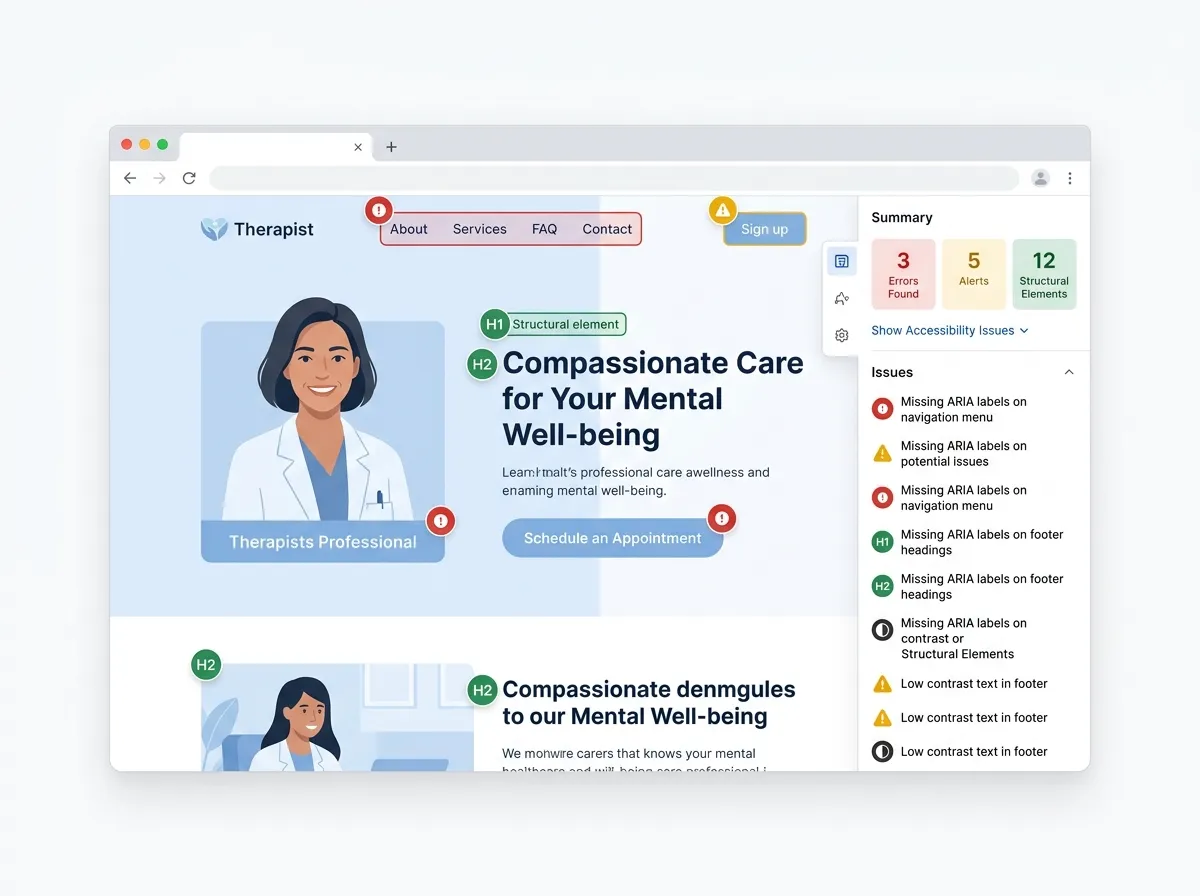
Alt text describes images to screen readers and to crawlers. A logical heading structure helps a skimming visitor and helps Google understand the page. A transcript makes your intro video usable for Deaf clients and hands the search engine a page of indexable words. Readable text, honest link labels, mobile-friendly layouts, fast pages: the overlap is nearly total.
Our opinion: chasing “accessibility for SEO” gets the causality backwards, but it lands in the same place. Build the site for the widest set of real visitors and rankings tend to follow, because predicting what real visitors find useful is Google’s entire business.
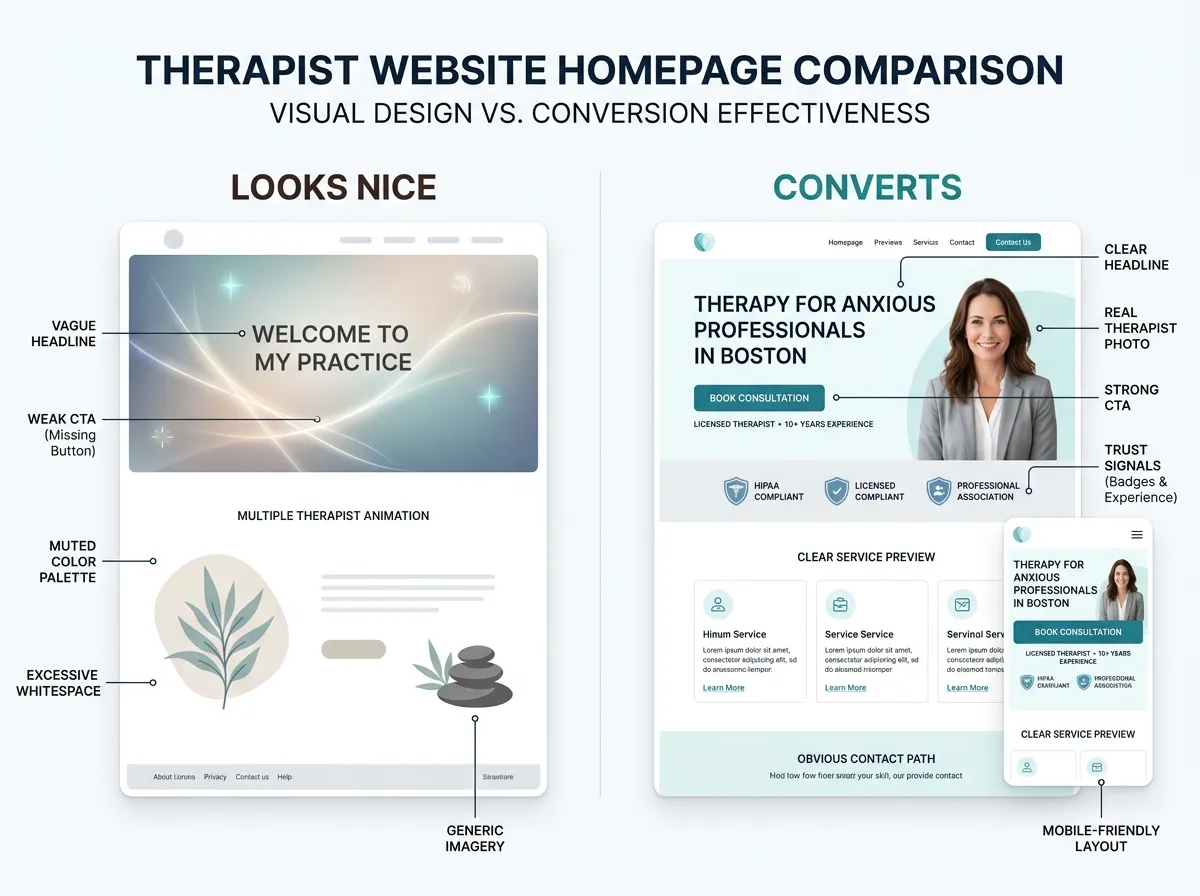
There’s a conversion angle too. A prospective client who can read your fees page on a phone in a parking lot is closer to booking than one squinting at pale 12px text. That’s why accessibility review is folded into every private practice website design we deliver, rather than bolted on at the end.
Overlay Widgets: The Shortcut That Disappoints
Accessibility overlays are the one-line JavaScript widgets that promise to make any site compliant overnight, usually for a monthly fee. The pitch is irresistible. The reality isn’t.
The accessibility community has spent years documenting the problems. Overlays sit on top of broken code instead of fixing it. They can conflict with the screen readers and custom settings disabled users already run, so the people they claim to serve often experience them as one more obstacle. A public statement signed by hundreds of accessibility practitioners advises against relying on them. And businesses using overlays have still faced accessibility lawsuits, which tells you what the legal shield is worth.
If you take one thing from this article: don’t buy the widget. It spends your accessibility budget on the appearance of accessibility.
The honest trade-off is that real accessibility work is slower and less tidy than a widget subscription. It lives in the code, the color choices, and the copy, and it’s never entirely finished — every new page you publish can introduce a new barrier. That applies to professionally built sites too, ours included. Anyone promising permanent, hands-off compliance is selling the widget again in nicer packaging.
Cognitive Accessibility Is Where Inclusive Design Is Heading
Accessibility work has historically centered on vision, hearing, and motor access. The next wave is cognitive: designing for attention, memory, processing, and anxiety. The W3C’s cognitive accessibility task force has published guidance on making content usable for people with cognitive and learning disabilities, and future standards will keep moving in this direction.
For therapy websites, cognitive accessibility is simply the job description. Your visitors often arrive depleted, distracted, or scared. Predictable navigation, literal language, one clear next step per page — that’s cognitive accessibility, and no automated checker can score it for you.
This is also where a checklist mindset fails. A page can pass every WCAG criterion and still exhaust an anxious reader. The fix is editorial as much as technical: shorter sentences, stated fees, a what-to-expect page that removes unknowns. The practical playbook lives in our autism-friendly web design guide; pair it with a plainspoken About page that builds trust and you’ve covered the two pages prospective clients scrutinize hardest.
FAQ: Web Accessibility Trends
Does my therapy website legally have to meet WCAG?
Do accessibility overlay widgets make my site ADA compliant?
Does web accessibility improve SEO?
What’s the difference between WCAG 2.1, 2.2, and 3.0?
Standards will keep moving; that’s the one safe prediction in this whole piece. The practices that handle it well won’t be the ones chasing every update. They’ll be the ones whose sites were built plainly and maintained regularly, so each new criterion is a small adjustment instead of a rebuild. If your current site can’t get there, a custom site in 7 days gives you a clean baseline — or start your website inquiry and we’ll tell you honestly which route fits.