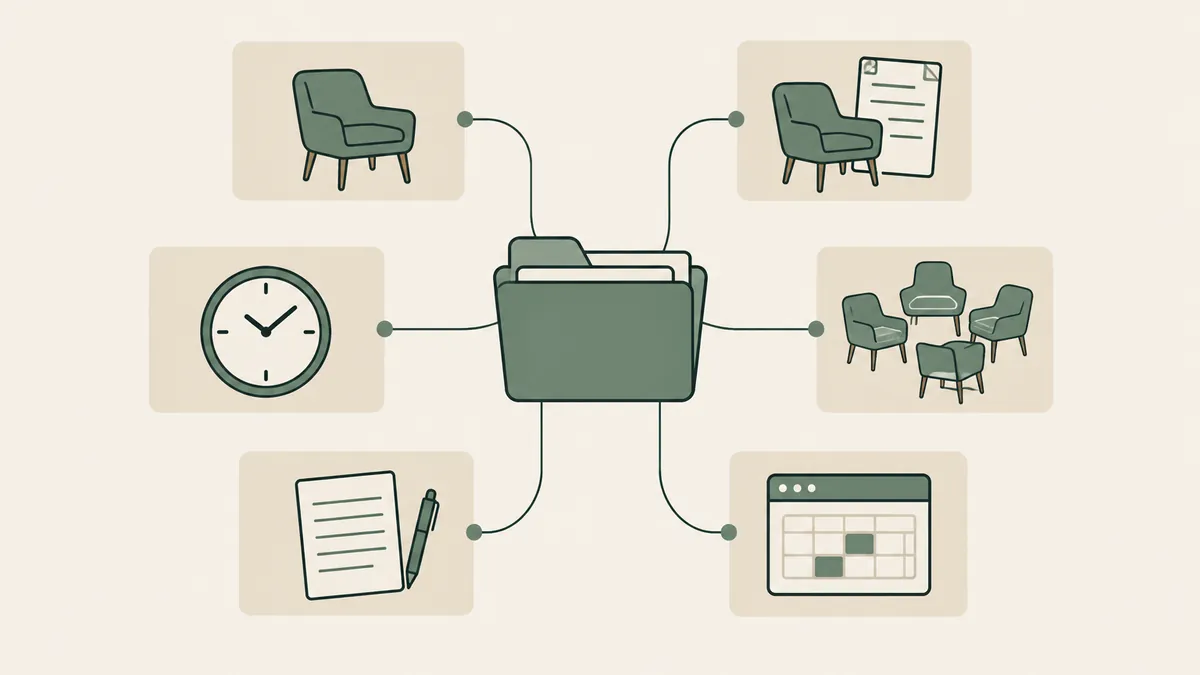
A telehealth-ready EHR gives you video sessions built into the same system as your notes, calendar, and client portal, and covered by the vendor’s BAA. That second clause is the one that matters. Plenty of therapists run polished video calls on tools that were never covered for clinical use, and the gap doesn’t show up until it’s a problem.
If part of your caseload is online (and for most practices since 2020, part of it permanently is), telehealth capability should sit near the top of your EHR criteria, not in the “misc” column. Here’s how to judge it, what the licensing rules actually allow, and what your website needs to say so online clients book with you instead of a platform.
What makes an EHR telehealth-ready for therapists?
A telehealth EHR for therapists includes video sessions covered by the vendor’s Business Associate Agreement and launched from the same calendar and client portal as everything else. Look for four things: BAA coverage confirmed in writing, telehealth included at your plan level, browser-based joining for clients, and session links delivered automatically with reminders.
Expand each of those during a demo. “We have video” is a feature claim; “video is covered under the same BAA as the rest of the platform, included in your plan, and clients join from the reminder text without installing anything” is a workflow you can build a practice on.
The last item earns its place the hard way. Every extra step between a reminder and a live session (downloads, account creation, hunting for a link in email) is a step some percentage of clients will fumble at 9:59 for a 10:00 session.
Built-in video vs. bolted-on video
There are two legitimate ways to run telehealth, and one common way that isn’t.
Built-in: the video lives inside your EHR. One vendor, one BAA, one login for clients, and sessions attach to the chart automatically. For most solo and small-group practices this is the answer, and honestly, the convenience case is strong enough that a standalone tool needs a specific reason to exist in your stack.
Bolted-on, done right: a standalone platform that signs a BAA. Doxy.me is the notable example, offering a free tier for individual providers that includes a BAA. Zoom can also be legitimate, but only on qualifying paid plans: consumer Basic and Pro accounts don’t qualify, while Zoom’s BAA is available on its healthcare and eligible business plans, and you still have to request the agreement and configure the account for HIPAA-sensitive use. The trade: a second system to manage and a second link for clients to keep track of.
The way that isn’t: running sessions on a personal Zoom, FaceTime, or Google Meet account with no BAA anywhere. The picture quality is identical to the compliant setup. The legal exposure isn’t. The pandemic-era enforcement discretion that once tolerated this ended in 2023; the HHS telehealth guidance is the current word, and it expects covered platforms with BAAs.
If BAAs are still an abstract concept at this point, our plain-English guide to what a BAA covers and why it matters fills the gap.
What built-in telehealth includes on the major platforms
The two platforms therapists shortlist most both build video in, with different pricing logic.
SimplePractice includes telehealth on all of its subscription plans, with waiting rooms and screen sharing. TherapyNotes integrates video with its client portal and includes basic telehealth at no added cost, with a premium tier (group sessions and extras) priced separately. Plans change, so treat this paragraph as a snapshot and confirm current inclusions with the vendor before you sign; the deeper feature-by-feature look lives in our comparison of the best EHR systems for therapy practices.
Watch the add-on math here. A platform whose telehealth costs extra per clinician can flip your cost comparison once your whole group runs video-heavy caseloads; our therapy EHR cost guide shows where those line items hide.
In practice, a well-configured setup runs like this: the client gets a reminder text an hour out, taps the link, lands in the portal waiting room on their phone browser, and you admit them from the same screen where you’ll write the note afterward. No downloads, no “can you email me the link again,” no PHI scattered across apps.
Telehealth doesn’t erase state lines
Here’s the part the software can’t solve: video reaches anywhere, your license doesn’t. As a rule, you must be authorized to practice in the state where the client is sitting during the session. Your EHR will happily let you book a client in a state where you hold no license; nothing in the software will stop you. That check is entirely on you.
For psychologists, PSYPACT changes the map meaningfully. It’s an interstate compact that lets eligible psychologists practice telepsychology across participating states — more than 40 states plus D.C. have enacted it as of mid-2026, with new states still joining. The live map at psypact.gov is the source of truth, and eligibility requires applying through the compact, not just holding a license in a member state.
Counselors and social workers have their own compacts moving through legislatures on their own timelines; your licensing board is the authority on what’s active for your credential today.
The practical takeaway: decide which states you can legitimately serve before you market online therapy, because that list shapes everything your website says next.
What your website needs to say to convert online clients
An online-therapy client can choose any therapist licensed in their state, which means your website is competing statewide, not across town. Most therapist sites are silent on exactly the questions those visitors need answered. Fix these four things:
- Name your states, prominently. “Online therapy for adults in California and Oregon” beats “telehealth available” on every page where it appears. It’s also what lets you rank for statewide searches instead of only local ones.
- Describe the session mechanics. One short section: it’s secure video, here’s what you need (phone or laptop, private spot), here’s how joining works. You’re lowering the unfamiliarity barrier, which for telehealth is the barrier.
- Answer the insurance question. Whether you take insurance for virtual sessions or provide superbills, say so on the page. It’s the most common unasked question in every inquiry call.
- Route booking into your EHR. The whole point of a telehealth-ready platform is that a visitor can go from your site to a booked video session without a phone-tag detour. A Website in a Week build wires that path in from day one.
We’ve watched this play out across 500+ therapist and coach sites: the practices that treat “online therapy in [state]” as a real service page, rather than a bullet point, are the ones that fill their virtual caseload.
Where built-in telehealth falls short
Fair is fair: EHR-native video is rarely best-in-class video. Dedicated platforms tend to handle rough connections more gracefully, and features like large groups or webinars often sit behind premium tiers or don’t exist at all. If you run intensive group programs online, you may end up pairing your EHR with a BAA-covered standalone tool anyway, and that’s a reasonable stack.
Have a fallback plan written down regardless of your setup: if video fails mid-session, who calls whom, on what number? Two sentences in your intake paperwork. You’ll be glad they’re there the first time a storm takes out someone’s wifi.
FAQ: telehealth EHRs
Can I use a regular Zoom account for therapy sessions?
Not a consumer Basic or Pro account, no. Zoom offers a BAA only on qualifying healthcare and business plans, and the account still needs to be requested and configured for that use. If you want Zoom-grade video with a BAA at no cost, doxy.me’s free provider tier is the better-known route. Confirm current terms with either vendor.
Is telehealth included with SimplePractice and TherapyNotes?
As of this writing, SimplePractice includes telehealth on all plans, and TherapyNotes includes basic telehealth at no added cost with a paid premium tier for extras. Both change plan structures periodically, so verify before subscribing.
Can I see clients in another state over telehealth?
Only if you’re authorized to practice where the client is located during the session. Psychologists can extend their reach through PSYPACT across its 40+ participating states; other license types should check their board and their profession’s compact status. Licensure follows the client’s location, not yours.
Does a telehealth EHR make me HIPAA compliant?
No single tool makes a practice compliant. A telehealth EHR with a signed BAA covers the video channel; you’re still responsible for the rest, from device security to your website’s forms. Think “covered channel,” not “compliance in a box.”
Choose the telehealth EHR for therapists that keeps video, notes, and booking in one BAA-covered place, then make sure your website tells online clients the three things they’re checking for: your states, your process, your booking link. If the website half of that needs work, get a custom quote through the Website Inquiry Form — we’ll show you exactly what an online-therapy page should look like for your practice.