Intake Form Optimization for Better Leads: Proven Best Practices for Therapy Client Intake Forms
Well‑optimized intake forms are essential for attracting and converting prospective clients. As the first point of contact, these forms directly influence lead conversion. This guide outlines best practices for online intake forms tailored to therapists and wellness professionals, covering effective features, user‑centered design to reduce drop‑off, and web design strategies that increase engagement and conversion. The guidance addresses common pain points and provides actionable steps to improve the onboarding experience.
What Are the Essential Features of Therapist-Friendly Online Intake Forms?
Therapist‑focused intake forms aim to deliver a smooth client experience while capturing necessary information efficiently. Core features include usability, compliance, and adaptability to practice needs.
- User-Friendly Design: Forms should be intuitive and straightforward, guiding clients through the process without overwhelming them.
- Security and Compliance: Adhering to HIPAA guidelines ensures client confidentiality and builds trust.
- Customization Options: Tailoring forms to suit specific practice needs can lead to higher engagement and completion rates.
Incorporating these elements improves the user experience and increases completed submissions.
Key Features of Therapist-Friendly Online Intake Forms
The table below summarizes each feature, its purpose, and the practical benefit to the practice.
These features streamline the intake process and reinforce trust and professionalism with prospective clients.
How Does User-Centered Design Improve Therapy Client Onboarding?

Client‑centered design prioritises the needs and pain points of people completing intake. By focusing on the client perspective, therapists can tailor the flow and content to reduce friction and improve comprehension. Core elements include:
- Intuitive Navigation: Clear pathways help clients complete forms without confusion.
- Emotional Design: Aesthetics matter; appealing design fosters a positive first impression.
- Readability: Well-structured content ensures clients can easily understand and respond to questions.
Applying these principles increases completion rates and improves client retention during onboarding.
Which Intake Form Fields Collect Critical Client Information Efficiently?
Choosing the right fields allows practices to collect essential data without overburdening clients. Relevant fields gather identification, context, and clinical information needed for initial assessment. Essential fields include:
- Basic Identification: Name, contact information, and demographic details help establish initial communication.
- Referral Source: Knowing how clients found the practice can inform “marketing strategies“.
- Medical History: Collecting relevant medical information ensures a tailored therapeutic approach while maintaining professional standards.
Including these elements streamlines data collection and allows therapists to focus on providing personalized care.
How Can Intake Form Design Tips Reduce Form Abandonment in Therapy Practices?
Reducing form abandonment preserves potential clients and improves acquisition. Apply targeted design choices to lower abandonment rates. Effective tips include:
- Reduced Number of Fields: Streamlining the number of required fields can minimize overwhelm.
- Clear Calls to Action: Explicitly stating the next steps encourages clients to complete the form.
- Progress Indicators: Showing completion progress can motivate clients to finish the form.
These strategies create a clearer, more approachable process that supports higher completion and improved client engagement.
What Techniques Streamline Form Navigation and Minimize Client Drop-Off?
Clear navigation keeps clients engaged through the intake flow. Implement structured techniques to reduce confusion and abandonment. Key techniques include:
- Logical Flow: Organizing questions in a sensible order reduces confusion.
- Feedback Mechanisms: Providing immediate validation for completed fields helps clients feel confident in their submissions.
- Mobile Optimization: Ensuring forms are mobile-friendly caters to a broader audience, which is essential in today’s digital landscape.
These navigation techniques improve the onboarding experience and support higher conversion rates.
Why Is Clear Communication Vital to Build Client Trust During Intake?
Clear communication establishes the expectations and reassurances clients need to proceed. Essential elements include:
- Empathetic Language: Using welcoming and understanding language can ease clients into the process.
- Transparency: Clearly articulating how information will be used assures clients of their data’s safety.
- Personal Touch: Adding a personal note or message at the beginning can leave a positive impression.
Transparency and empathy increase client confidence and their willingness to complete the intake process.
What Are the Benefits of Secure, HIPAA-Compliant Online Intake Forms for Lead Conversion?
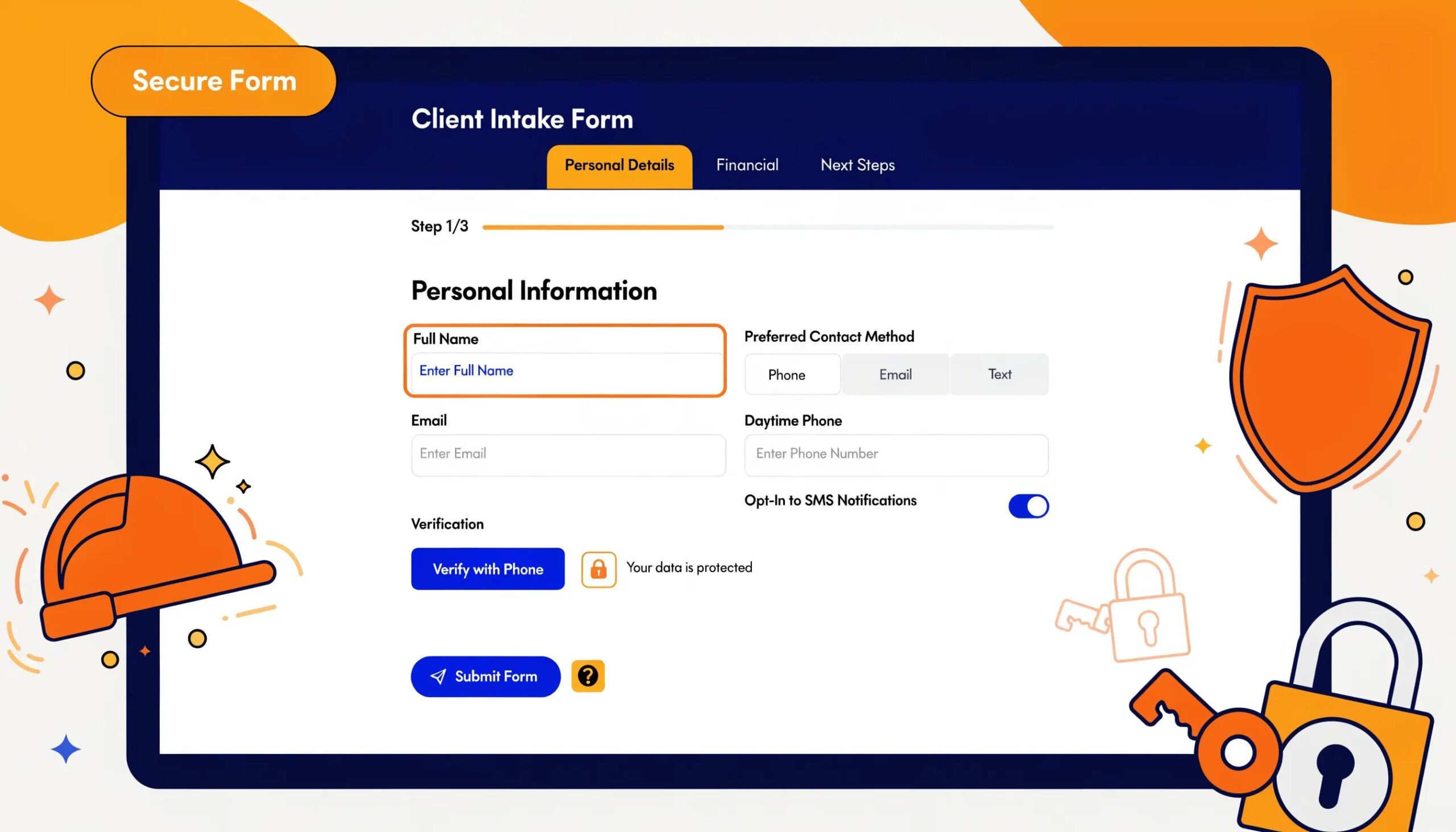
Secure, HIPAA‑compliant intake forms deliver clear benefits for client acquisition and retention. They reduce barriers to engagement while protecting sensitive information. Benefits include:
- Client Confidence: Assurance that their personal information is protected encourages potential clients to engage.
- Legal Safety: Compliance mitigates the risk of legal repercussions that could arise from data breaches.
- Reputation Management: Practices that prioritize security are often viewed as more reputable and trustworthy.
Prioritizing security and compliance supports lead conversion and helps build long‑term client relationships.
How Does Data Security Enhance Client Confidence and Practice Reputation?
Robust data security strengthens both client trust and the practice’s professional standing. Effective strategies include:
- Strong Encryption: Protecting data during transmission through encryption builds trust.
- Regular Audits: Conducting audits to ensure compliance with security standards reflects a commitment to best practices.
- Client Education: Informing clients about security practices reassures them of the practice’s dedication to their safety.
These measures improve perceived security and establish the practice as a trusted provider within the therapy community.
What Role Does Electronic Consent Capture Play in Client Onboarding?
Electronic consent capture is a standard component of digital onboarding. It formalises permission and supports efficient record‑keeping. Key benefits include:
- Efficiency: Digital consent forms streamline the process, allowing for quicker engagements.
- Legality: Ensuring that consent is captured electronically can reduce risks associated with paper forms.
- Convenience: Clients can provide consent from any location, improving overall accessibility.
Integrating electronic consent improves operational efficiency and enhances client accessibility.
How Do Web Design Strategies Boost Lead Conversion Through Optimized Intake Forms?
Deliberate web design increases form visibility and trust, which supports conversions. Applied strategies include:
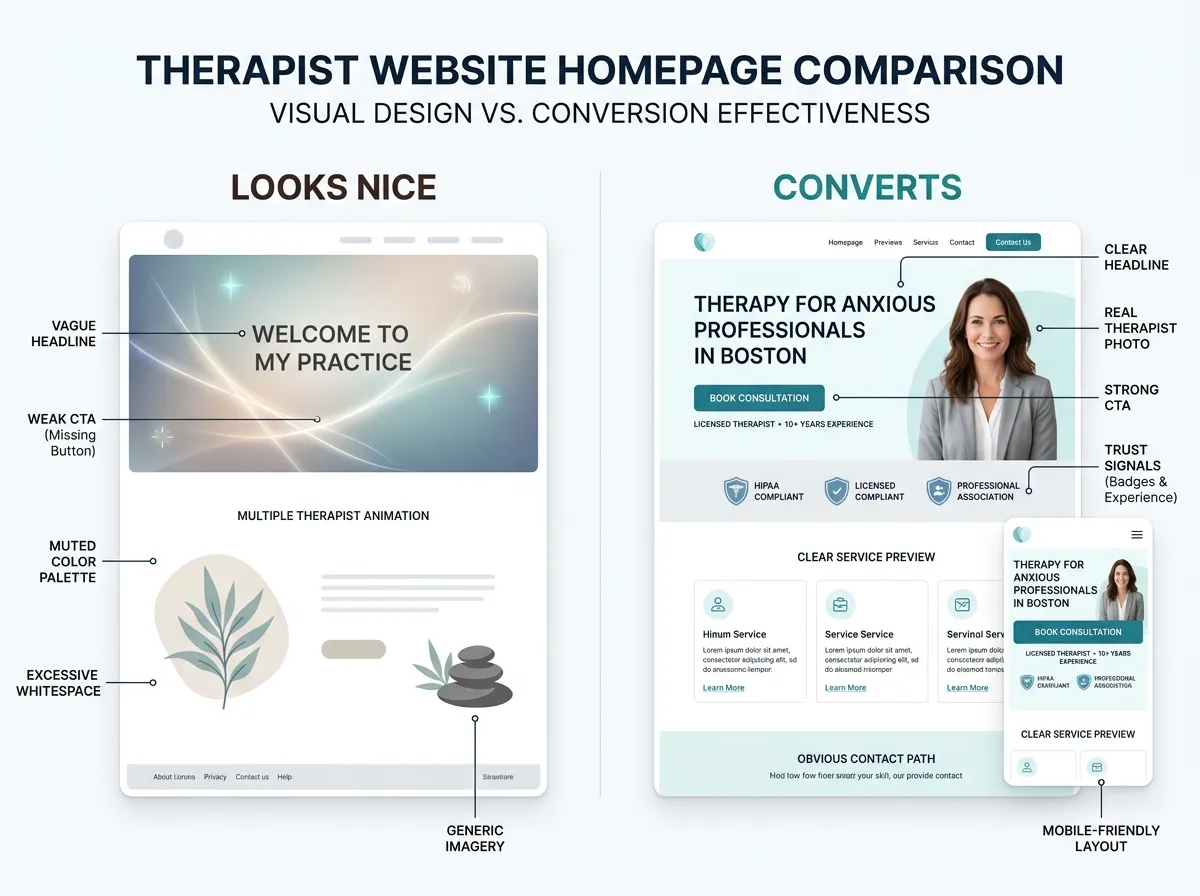
- Visual Design Best Practices: Utilizing optimal color schemes and fonts to create a visually appealing interface.
- Effective Placement: Strategically positioning forms on websites to maximize visibility and encourage interaction.
- Responsive Design: Ensuring that intake forms function seamlessly across devices increases accessibility.
When these design principles are applied together, they contribute to higher engagement and improved conversion for therapy practices.
How Can Analytics Inform Continuous Improvement of Therapy Intake Forms?
Analytics provide objective evidence to guide form improvements. Key points include:
- Tracking Metrics: Monitoring completion rates and drop-off points can identify areas for improvement.
- User Feedback: Collecting feedback on the intake process provides invaluable insights into client experiences.
- A/B Testing: Experimenting with different form designs can pinpoint which elements resonate most with clients.
Using analytics enables continuous refinement of intake forms to better meet client needs and improve operational efficiency.
Frequently Asked Questions
1. What are the best practices for making intake forms mobile-friendly?
Implement responsive design so the layout adapts to various screen sizes. Reduce required fields, use larger touch targets and readable fonts, and provide touch‑friendly navigation. These adjustments improve usability and completion rates on mobile devices.
2. How can therapists personalize intake forms to enhance client engagement?
Personalise forms by adding targeted fields that reflect individual needs or clinical focus. Allow clients to choose topics of interest and include brief, professional prompts that invite relevant detail. Tailored questions increase relevance and encourage fuller responses.
3. Why is it important to regularly update intake forms?
Regular updates ensure forms remain compliant with legal requirements and aligned with current clinical practices. Reviews also incorporate client feedback and new research, which improves data quality and makes the intake process more efficient.
4. How can therapists assess the effectiveness of their intake forms?
Measure completion rates, time per section, and drop‑off locations using analytics tools. Collect post‑form feedback and conduct A/B tests to compare designs. These methods identify weaknesses and guide targeted improvements.
5. What common mistakes should therapists avoid when creating online intake forms?
Avoid excessive fields that overwhelm users, neglecting mobile optimization, unclear instructions, and failing to reassure clients about data security. Also avoid generic forms that do not reflect the practice’s specific needs.
6. Can the design of an intake form influence a client’s perception of a therapy practice?
The form’s design directly influences perception. A clear, professional form signals competence and care, while a cluttered or outdated form can create frustration. Design‑driven emotional responses affect a client’s willingness to proceed.
7. How does GDPR affect the design of therapy intake forms?
GDPR requires clear disclosure of data rights, explicit consent mechanisms, and transparent statements about how data will be used. Practices must store data securely and limit use to stated purposes to maintain compliance and client trust.
Conclusion
Optimizing intake forms improves client acquisition and retention for therapy practices. Implementing client‑centered design and robust security builds trust and streamlines onboarding. Apply the practices in this guide to refine your intake flow, increase engagement, and support practice growth.