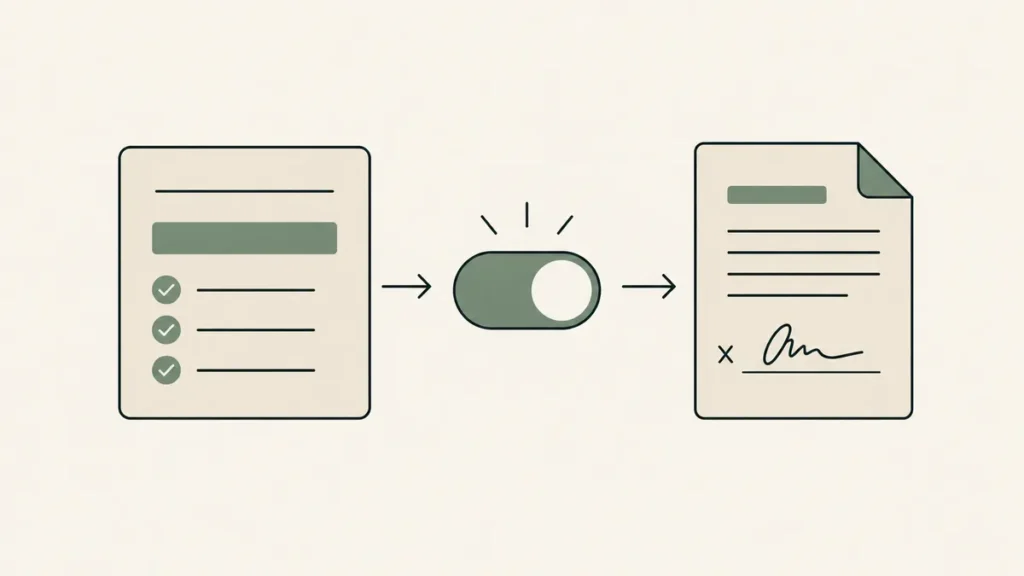
The short answer to “is Jotform HIPAA compliant” depends on your plan. Jotform offers its HIPAA features and a signed Business Associate Agreement (BAA) on the Gold and Enterprise plans only, and only after you switch those features on in your account. The free Starter plan and the Bronze and Silver plans don’t include them. So the intake form you built on a free account isn’t covered, however carefully you wrote it.
Jotform says all of this itself, spread across a landing page, a pricing page, and a handful of help articles. We’ve built 500+ websites for therapists and coaches, and placing forms like these is part of that work. Here’s the short version for a private practice.
Plan and price details were checked against Jotform’s pages on September 30, 2026, and they change often. This is general information, not legal advice, so confirm your setup with your own counsel or compliance resource.
Is Jotform HIPAA compliant?
On the right plan, yes. Jotform signs a Business Associate Agreement with covered-entity customers on its Gold and Enterprise plans once HIPAA features are enabled in the account. Starter, Bronze, and Silver don’t include them. How you build and use the forms still decides whether your practice is compliant.
A plain yes to “is Jotform HIPAA compliant” leaves out the part that matters, which is the contract. HHS says a covered entity may share protected health information (PHI) with a vendor only after it has written assurances from that vendor, which is the BAA. That’s in the HHS guidance on business associates. HHS also says it doesn’t endorse or recognize private “certifications” of Security Rule compliance.
So when people search for HIPAA compliant forms, what they need is a vendor that signs a BAA on a named plan, plus a setup that follows the vendor’s documentation. Jotform supplies the first half. The second half is yours.
Jotform HIPAA pricing: the BAA sits on Gold and Enterprise
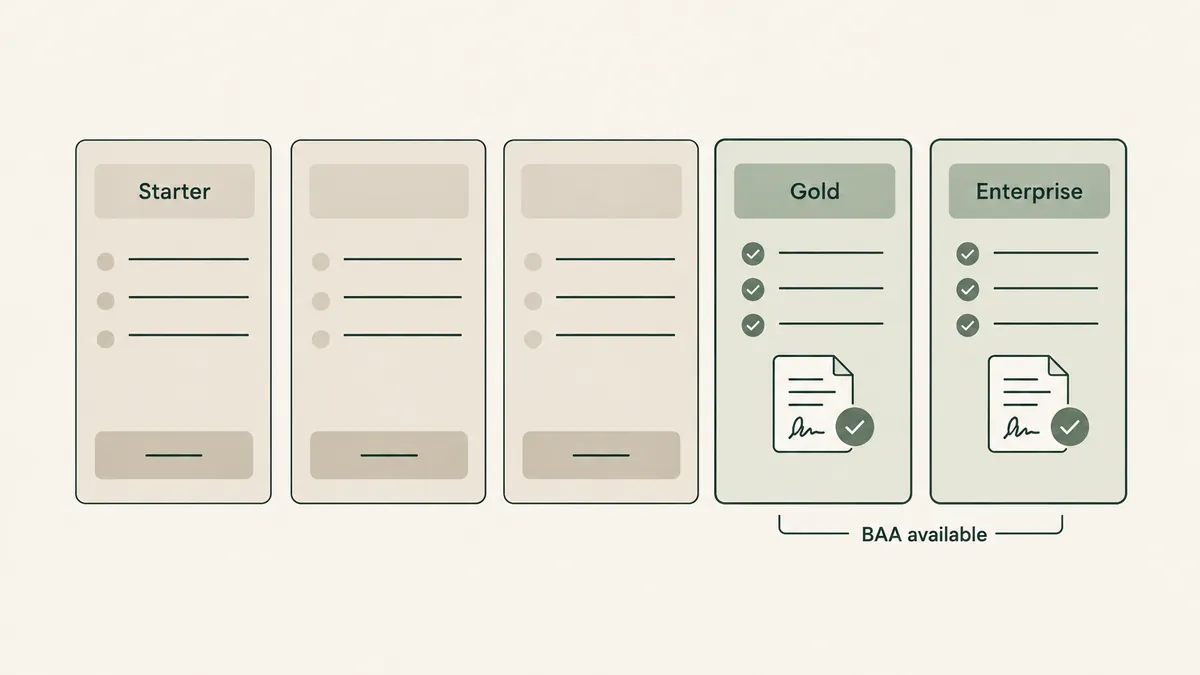
Jotform’s pricing page lists five plans. Only two carry the HIPAA features.
| Plan | BAA and HIPAA features? | Listed price (standard) |
|---|---|---|
| Starter | No | Free |
| Bronze | No | See Jotform pricing |
| Silver | No | See Jotform pricing |
| Gold | Yes, once HIPAA features are enabled | See Jotform pricing |
| Enterprise | Yes, once HIPAA features are enabled | See Jotform pricing |
We couldn’t confirm the current Gold price on September 30, 2026, so we’re not printing one. Get it from Jotform’s pricing page, not from a third-party blog. Two things we could confirm: the page advertises paid plans starting at $19 per month, which isn’t the Gold price, and Jotform’s HIPAA FAQ says HIPAA is included in the Gold plan’s cost with no additional fee.
Here’s the honest trade-off. From a free account, Jotform looks like the low-cost route to intake forms. It isn’t, because the BAA doesn’t start until Gold.
Say you built a new-client questionnaire on a free account, with a field asking what brings someone in. No BAA covers that account. Upgrade and enable HIPAA features before the next client fills it out, or stop collecting client information through it.
How to turn on HIPAA features and get the Jotform BAA
These steps come from Jotform’s help articles on enabling HIPAA compliance and receiving the BAA.
- Upgrade to Gold (or arrange Enterprise with Jotform). The setup checks your subscription first.
- Open your account’s Data page and select Enable HIPAA Compliance.
- Verify your email address and set a new, strong password.
- Agree to the data transfer. Jotform moves your data to what it describes as an isolated HIPAA system, and you tick a consent box to continue.
- Review your forms. Jotform says it only allows widgets and integrations that help with HIPAA compliance, and it lists anything on your existing forms that falls outside that.
- Select Start Migration. Jotform’s HIPAA FAQ says you won’t need to recreate your forms.
- Sign the BAA. On the Data page, select Sign BAA, enter your details, and submit. Jotform emails the signed agreement, and you can download it from the Data page afterward.
Do step 7 before a single client touches a form, and file the BAA with your compliance records.
What changes once HIPAA features are on
Email is the big one. Jotform gives each field in the Form Builder a PHI switch, and you mark the fields that collect health information. Its help article says that when a submission is delivered by email, fields marked as PHI are removed from the email content. The HIPAA FAQ goes further: notification emails carry an alert about a new submission, with no submission data.
Say a new client sends your intake packet at 11 p.m. Your phone shows an email telling you something arrived. The answers aren’t in it, and you log in to Jotform to read them. That’s by design. Your email inbox belongs to a different vendor with its own BAA question.
Jotform also says HIPAA forms encrypt the data, then transfer and store it encrypted.
Integrations need their own BAA
Jotform’s article on HIPAA integrations sorts them into two groups. The first can receive everything a form collects: Google Drive, Google Sheets, Dropbox, Box, and OneDrive, along with Google Calendar, Slack, Zoom, Salesforce, and several others. A second group, by Jotform’s description, can carry only information that isn’t PHI: Airtable, Constant Contact, HubSpot, Mailchimp, MailerLite, and Zapier.
One part is easy to miss. Appearing on Jotform’s list doesn’t put the other company under contract with you. Under the HHS business associate rule, any vendor that receives, stores, or transmits PHI on your behalf needs its own BAA with your practice. That’s our reading of the rule, and Jotform’s article doesn’t address it. If your form sends answers into Google Sheets, Google has to be under a BAA with you too. Our post on whether Google Forms is HIPAA compliant explains how that agreement works.
Connect as few integrations as you can live with.
How to put a Jotform on your practice website
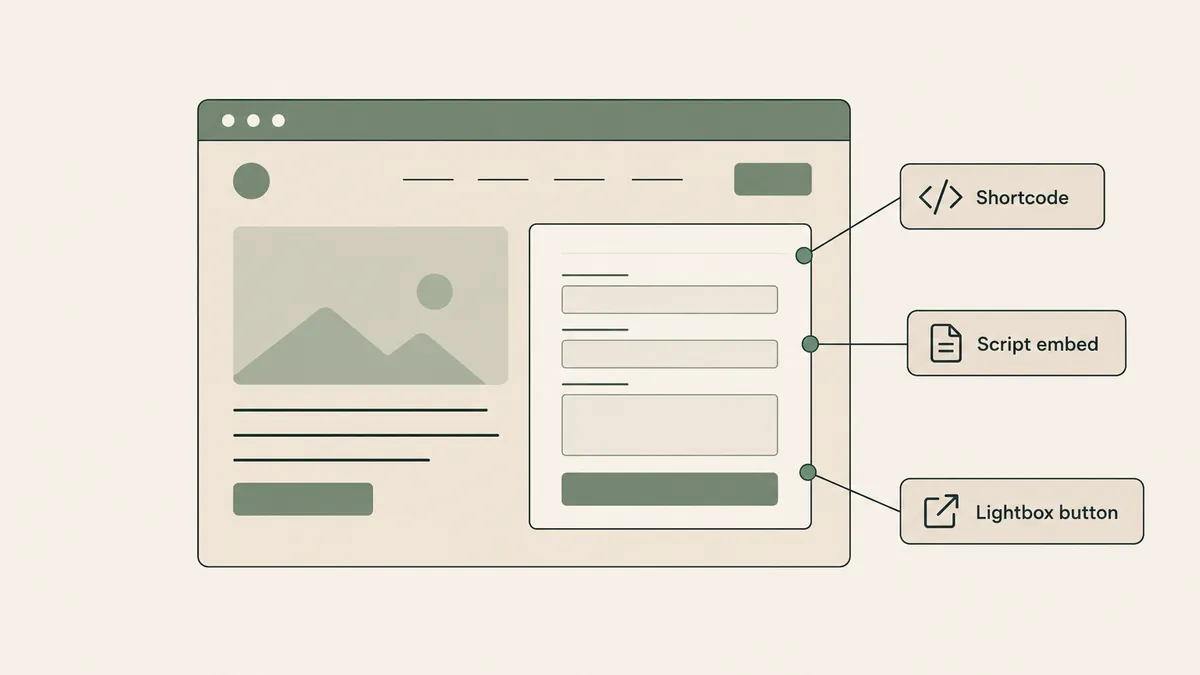
Jotform’s HIPAA FAQ says HIPAA-enabled forms can be embedded on a website, and its embed guide lists the options:
- JavaScript. Loads the form inside an iframe and adjusts the height automatically. Jotform calls it the best starting point for most websites.
- iFrame. Jotform suggests switching to this if the JavaScript version conflicts with other scripts on your site.
- Source code. The form’s full markup, which you’d update by hand every time the form changes. Skip it.
- WordPress. A shortcode that needs no plugin. Paste it into a Shortcode or Custom HTML block.
- Pop-up and lightbox. The form opens from a link, or in an overlay triggered by a button.
On WordPress, use the WordPress shortcode. For Squarespace and Wix, open the Form Builder, go to Publish, then Platforms, where Jotform keeps a dedicated embed for each. Your developer or site builder can place the code.
Squarespace says its own form block can’t be part of a HIPAA-compliant solution, which we cover in our post on what a HIPAA compliant website builder really means. An embedded Jotform loads in an iframe and is a different tool from that form block. That’s our reading, so check it with your compliance resource.
On the sites we build, this is part of the job: our private practice website design work includes contact forms set up through providers that sign a BAA.
When Jotform is more tool than you need
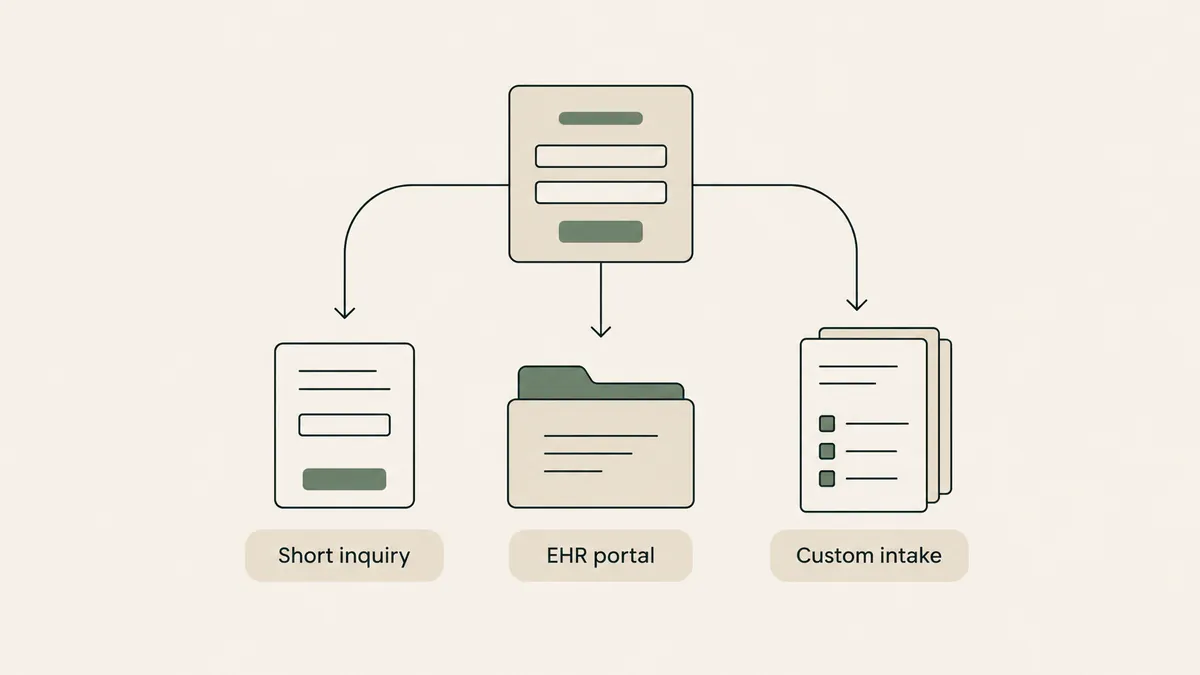
A short inquiry form, the kind that asks for a name, an email, and a good time to call, doesn’t need an intake platform with conditional logic and signatures. A simpler form tool from a vendor that signs a BAA does that job. We compare the options in our review of the best HIPAA forms and secure online form builders.
And if your EHR’s client portal already sends intake paperwork, use that. One less vendor, one less BAA, and the answers land where your records already live.
Jotform fits a narrower case: practices that want custom intake packets outside an EHR. Its conditional logic can show or hide fields based on earlier answers, and its HIPAA page lists secure e-signatures among the features.
A limit on our side, too: we build the website and place the form, but the BAA is between you and Jotform.
Questions therapists ask about Jotform and HIPAA
Is the free Jotform plan HIPAA compliant?
No. Jotform’s pricing page says its HIPAA features are available on Gold and Enterprise only. The free Starter plan has no BAA, so don’t collect client health information on it.
Does Jotform sign a BAA?
Yes, for covered-entity customers on Gold or Enterprise who have enabled HIPAA features. You request it from your account’s Data page by selecting Sign BAA, and Jotform emails the signed copy.
Can I embed a HIPAA-enabled Jotform on Squarespace or WordPress?
Yes. Jotform’s HIPAA FAQ says these forms can be embedded with iframes, lightboxes, or a pop-up window, and its embed guide lists platform-specific codes for WordPress, Squarespace, and Wix.
Does enabling HIPAA on Jotform cost extra?
Jotform’s HIPAA FAQ says it’s included in the Gold plan with no additional fee. The real cost is the Gold plan itself.
So, is Jotform HIPAA compliant? On Gold or Enterprise, with HIPAA features enabled and the BAA signed, it can be a sound part of your intake setup. On any lower plan, keep client information out of it. If you’d like a website where the forms are sorted from day one, get a custom quote through the Website Inquiry Form. The consultation is free.