Your build is booked, design week is on the calendar, and the one thing standing between us and your new website is hosting. Good news: this is a 15-minute job, you’ll own the account outright, and at no point will you email anyone a password.
One scope note before we start. This guide is for our custom WordPress builds, including Website in a Week projects. If your site lives on Squarespace or Wix, hosting is baked into the platform and you can skip this entirely.
Why We Have You Buy the Hosting (Not the Other Way Around)
Plenty of agencies bundle hosting: they buy it, mark it up, and bill you monthly forever. It feels convenient right up until the relationship ends and you find out who actually controls your website’s home.
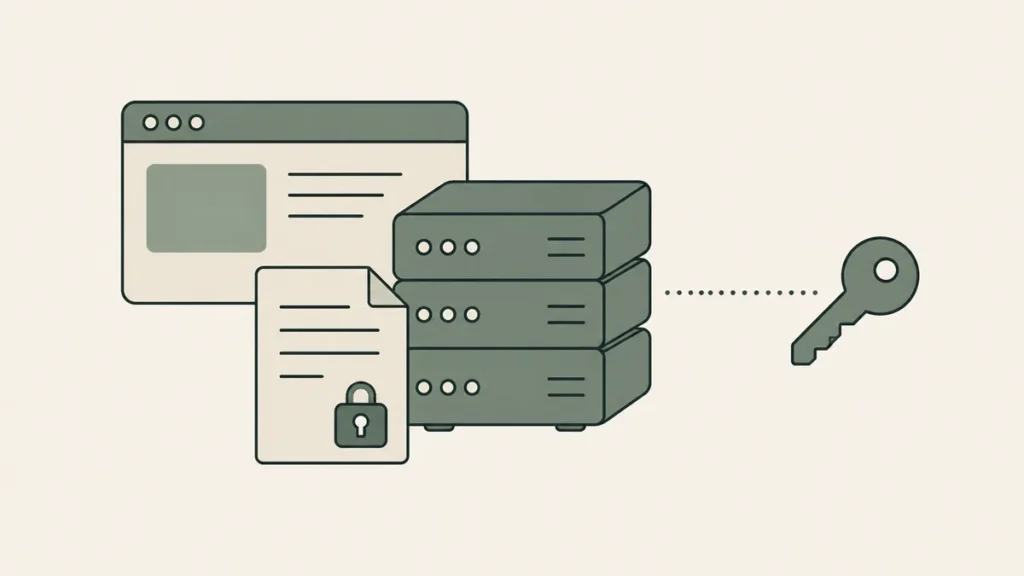
We run it the other way. You buy the hosting in your name, on your card, and invite us in as a collaborator. If we ever part ways, you revoke our access and keep everything.
It’s the same reason we tell therapists to stop renting their visibility from therapy directories: own your home base.
Step 1: Pick Your Plan
Start here: Hostinger — extra discount at checkout
Full transparency, because you’ll always get it from us: that referral link takes an extra discount off your first invoice, and Hostinger credits us for sending you. You’re welcome to go to hostinger.com directly instead. Every step below works the same either way; you’ll just skip the discount.
On plans:
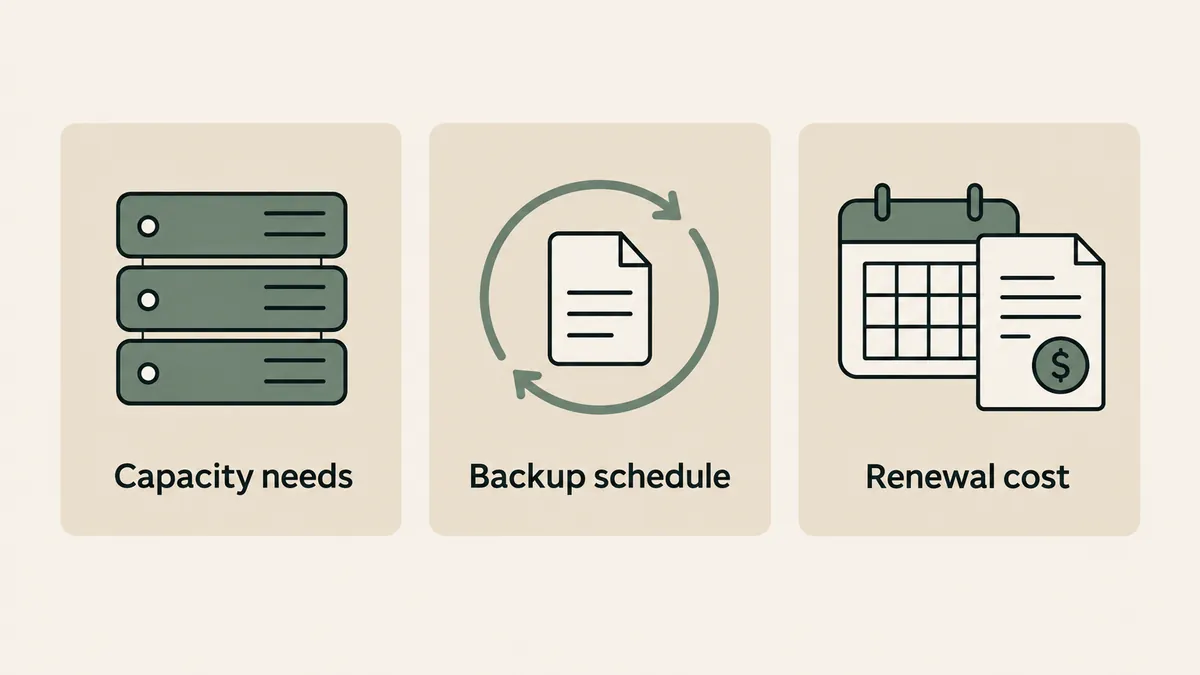
- Premium covers most solo and small-group practice websites comfortably.
- Business adds daily backups (Premium’s run weekly) and more capacity. If the extra dollar or two a month doesn’t sting, take it for the backups alone.
- Cloud plans are more server than a practice website needs. Skip them.
And a term-length opinion, since the pricing table is built to push you long: the 48-month term has the lowest monthly rate, but four years is a long bet on any host. We usually point clients at 24 months. Most of the discount, half the commitment.
One thing to know going in: renewal pricing after your intro term is higher. Every budget host works this way, so it isn’t a Hostinger-specific trick. Put the renewal date in your calendar now and it never gets to surprise you.
Step 2: Create the Account and Check Out
Sign up with your practice email. That’s the inbox you’ll still be checking in three years, not a personal address you’re phasing out. This email becomes the key to the whole account, so it matters.
If checkout offers a free domain for the first year, claim it with your practice name if that’s settled. Not sure yet? Skip it for now. Sorting the domain together is part of your strategy call, and grabbing the wrong name today just creates cleanup later.
Pay, and you’re officially a hosting owner. The website part is our job.
Step 3: Skip Hostinger’s Setup Wizard
Right after payment, Hostinger will offer to build your site for you: AI generators, starter templates, guided installs. Decline all of it.
Building the site is the thing you hired us for, and a half-configured install is the first thing we delete in design week. Look for the option to skip or start empty, click it, and close the tab. You’re done with the hard part.
Step 4: Share Access With Us, Without Sharing a Password
The old way agencies got access was you emailing your username and password. Don’t do that with us, and honestly, don’t do it with anyone. Hostinger built Account Sharing for exactly this situation: we get a door key, you keep the deed.
- Log in to your Hostinger panel (hPanel).
- Open the profile menu — your name or initials, top-right corner.
- Choose Account Sharing.
- Select the option to share your account and grant access.
- Enter our email exactly: Contact@therapeiawebdesign.com
- Set the access level. Full account access is what a fresh build needs.
- Send the invite. We accept the same business day and confirm by email.
The account and its billing stay in your name. You can see who has access at a glance, and you can revoke ours from that same screen in two clicks, no conversation required. Hostinger keeps an up-to-date walkthrough with screenshots right here if you’d like to see the buttons before pressing them.
Step 5: Tell Us It’s Live, Then Go See Clients
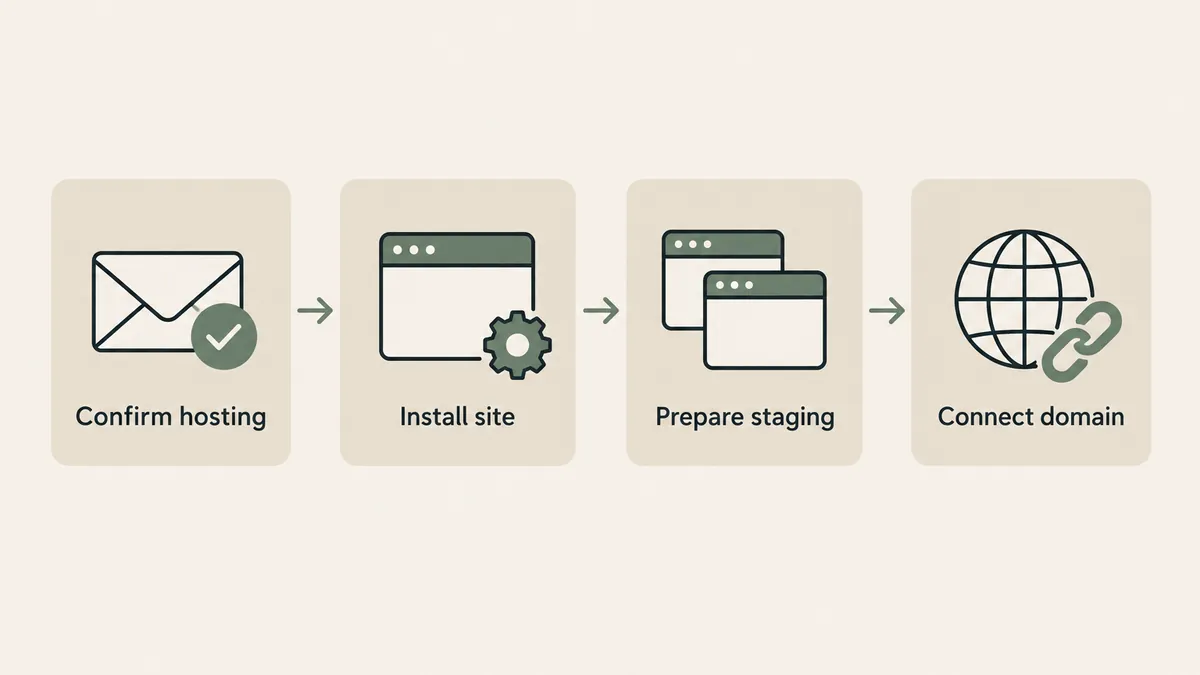
Reply to your onboarding email or WhatsApp thread with “hosting’s done.” From there we handle the WordPress install, staging, and connecting your domain. You won’t need to open hPanel again unless you’re curious.
And if you’d rather never think about hosting, updates, or backups again after launch, that’s exactly what our website maintenance plans exist for.
Questions Therapists Ask About Hosting
Does my website hosting need to be HIPAA compliant?
No, and anyone telling you otherwise is selling fear. Your website is your practice’s front door, not its filing cabinet. Session notes and client records belong in your EHR, never on your web server. Where the website does touch sensitive information — contact and intake forms — we build with BAA-backed form tools as part of our HIPAA-aware design process.
Do I have to use your referral link?
No. The steps are identical either way. The link takes an extra discount off your first invoice and sends a referral credit our way. That’s the entire arrangement, and now you know all of it.
Can I remove Therapeia’s access later?
Yes, and we want you to know how: Account Sharing screen, find us, revoke. Two clicks. We build every client relationship on the assumption that you could fire us cleanly tomorrow. That’s what owning your own account means.
What if I already have hosting with another company?
Usually workable. GoDaddy, Bluehost, SiteGround, and most others offer some version of collaborator or delegate access, and we’re happy to build on solid ground you already own. If your current host is genuinely hurting you — five-second load times are the usual tell — we’ll say so plainly on the strategy call and let you decide.
That’s the whole job: buy it, own it, invite us in. If you hit a wall anywhere in those 15 minutes, screenshot it and send it over. Faster than any support ticket. Reading this before you’ve booked a project? Get a custom quote through the Website Inquiry Form and we’ll handle the setup together.
Questions Therapists Ask About Hosting
Does my website hosting need to be HIPAA compliant?
No, and anyone telling you otherwise is selling fear. Your website is your practice’s front door, not its filing cabinet. Session notes and client records belong in your EHR, never on your web server. Where the website does touch sensitive information — contact and intake forms — we build with BAA-backed form tools as part of our HIPAA-aware design process.
Do I have to use your referral link?
No. The steps are identical either way. The link takes an extra discount off your first invoice and sends a referral credit our way. That’s the entire arrangement, and now you know all of it.
Can I remove Therapeia’s access later?
Yes, and we want you to know how: Account Sharing screen, find us, revoke. Two clicks. We build every client relationship on the assumption that you could fire us cleanly tomorrow. That’s what owning your own account means.
What if I already have hosting with another company?
Usually workable. GoDaddy, Bluehost, SiteGround, and most others offer some version of collaborator or delegate access, and we’re happy to build on solid ground you already own. If your current host is genuinely hurting you — five-second load times are the usual tell — we’ll say so plainly on the strategy call and let you decide.