
Is Your Form Not Working? Quick Fixes for Website Errors
Therapist Website Contact Forms: Troubleshooting & Best Practices
Contact forms are essential for therapists to connect with potential clients, yet many encounter issues that hinder effective communication. This article will explore common contact form problems, troubleshooting methods, best practices for design, security measures, and effective plugins. By understanding these aspects, therapists can ensure their websites facilitate seamless client interactions. The focus will be on identifying issues like submission failures and validation errors, providing actionable solutions, and discussing how to enhance user experience through effective design and security practices.
What Are the Most Common Contact Form Issues on Therapist Websites?
Contact forms on therapist websites often face several common issues that can disrupt client communication. Understanding these problems is crucial for maintaining a professional online presence and ensuring potential clients can reach out without frustration.
Why Do Contact Forms Fail to Submit on Therapy Websites?
Contact forms may fail to submit for various reasons, including technical issues, user errors, and server-related problems. Technical issues often stem from incorrect form settings or outdated plugins that conflict with the website’s functionality. User errors can occur when clients fail to fill out required fields or submit invalid information. Additionally, server-related problems, such as downtime or misconfigurations, can prevent successful form submissions. Addressing these issues promptly is essential to maintain client engagement.
What Causes Contact Form Validation Errors and How to Identify Them?
Validation errors occur when the information submitted does not meet the predefined criteria set for the form fields. Common causes include missing required fields, incorrect email formats, or exceeding character limits. Identifying these errors typically involves reviewing the error messages displayed to users and testing the form with various inputs. Tools like browser developer tools can help diagnose issues by providing insights into the form’s behavior during submission. By understanding these validation rules, therapists can enhance the user experience and reduce frustration.
How Can You Troubleshoot and Fix Contact Form Problems Effectively?
Troubleshooting contact form issues requires a systematic approach to identify and resolve problems efficiently. By following a structured method, therapists can ensure their forms function correctly and provide a seamless experience for clients.
What Are the Step-by-Step Troubleshooting Methods for Therapist Website Forms?

- Initial Checks: Start by verifying that the form is correctly configured, including checking required fields and ensuring the submission button is functional.
- Testing Functionality: Conduct tests by submitting the form with various inputs to identify any errors or issues that arise during the process.
- Documenting Changes: Keep a record of any changes made during troubleshooting to track what has been tested and resolved, which can help in future troubleshooting efforts.
How to Use Form Plugin Compatibility Checks to Resolve Integration Issues?
Form plugin compatibility is crucial for ensuring that contact forms work seamlessly with the website’s overall architecture. To check for compatibility:
- Review Plugin Documentation: Ensure that the form plugin is compatible with the website’s content management system (CMS).
- Update Plugins: Regularly update all plugins to their latest versions to avoid conflicts and ensure optimal performance.
- Test Integrations: After updates, test the form to confirm that it functions correctly with other plugins and features on the site.
What Are the Best Practices for Designing Therapist Website Contact Forms?
Designing effective contact forms is essential for enhancing user experience and encouraging client engagement. By following best practices, therapists can create forms that are not only functional but also user-friendly.
How to Ensure User-Friendly and Reliable Contact Form Design for Therapists?
A user-friendly contact form design includes several key elements:
- Clear Labeling: Each field should be clearly labeled to guide users in providing the necessary information.
- Mobile Optimization: Ensure the form is responsive and easy to use on mobile devices, as many clients may access the site via smartphones.
- Usability Testing: Conduct usability tests to gather feedback on the form’s design and functionality, making adjustments based on user experiences.
For therapists looking to enhance their website’s contact form, custom website design examples can provide inspiration and guidance. Lead Generation specializes in creating tailored websites for therapists, ensuring that forms are not only functional but also visually appealing and aligned with the overall site design.
Which Contact Form Features Improve Client Engagement and Reduce Errors?
Incorporating specific features into contact forms can significantly enhance client engagement and minimize errors:
- Auto-Responses: Implementing auto-response messages can reassure clients that their inquiries have been received.
- Field Validation: Real-time validation can help users correct errors before submission, reducing frustration.
- CRM Integration: Connecting the form to a customer relationship management (CRM) system can streamline follow-up processes and improve client management.
How Do You Secure Therapist Website Contact Forms Against Spam and Errors?
Security is a critical aspect of contact form management, especially for therapists handling sensitive client information. Implementing effective security measures can protect both the therapist and the client.
The importance of robust security measures in digital mental health is further underscored by research highlighting its critical role in the success and credibility of eHealth interventions.
E-Mental Health Intervention Security Standards
Security considerations are an often overlooked and underfunded aspect of the development, delivery, and evaluation of e-mental health interventions although they are crucial to the overall success of any eHealth project. The credibility and reliability of eHealth scientific research and the service delivery of eHealth interventions rely on a high standard of data security. This paper describes some of the key methodological, technical, and procedural issues that need to be considered to ensure that eHealth research and intervention delivery meet adequate security standards.
Security considerations for e-mental health interventions, K Bennett, 2010
What Are Effective Spam Protection Techniques for Therapist Contact Forms?
To protect contact forms from spam submissions, therapists can employ several techniques:
- CAPTCHA: Adding CAPTCHA challenges can help distinguish between human users and automated bots.
- Honeypots: Implementing hidden fields that only bots would fill out can help filter out spam submissions.
- Email Verification: Requiring users to verify their email addresses can reduce spam and ensure valid contact information.
How to Implement Website Form Security Best Practices to Protect Client Data?
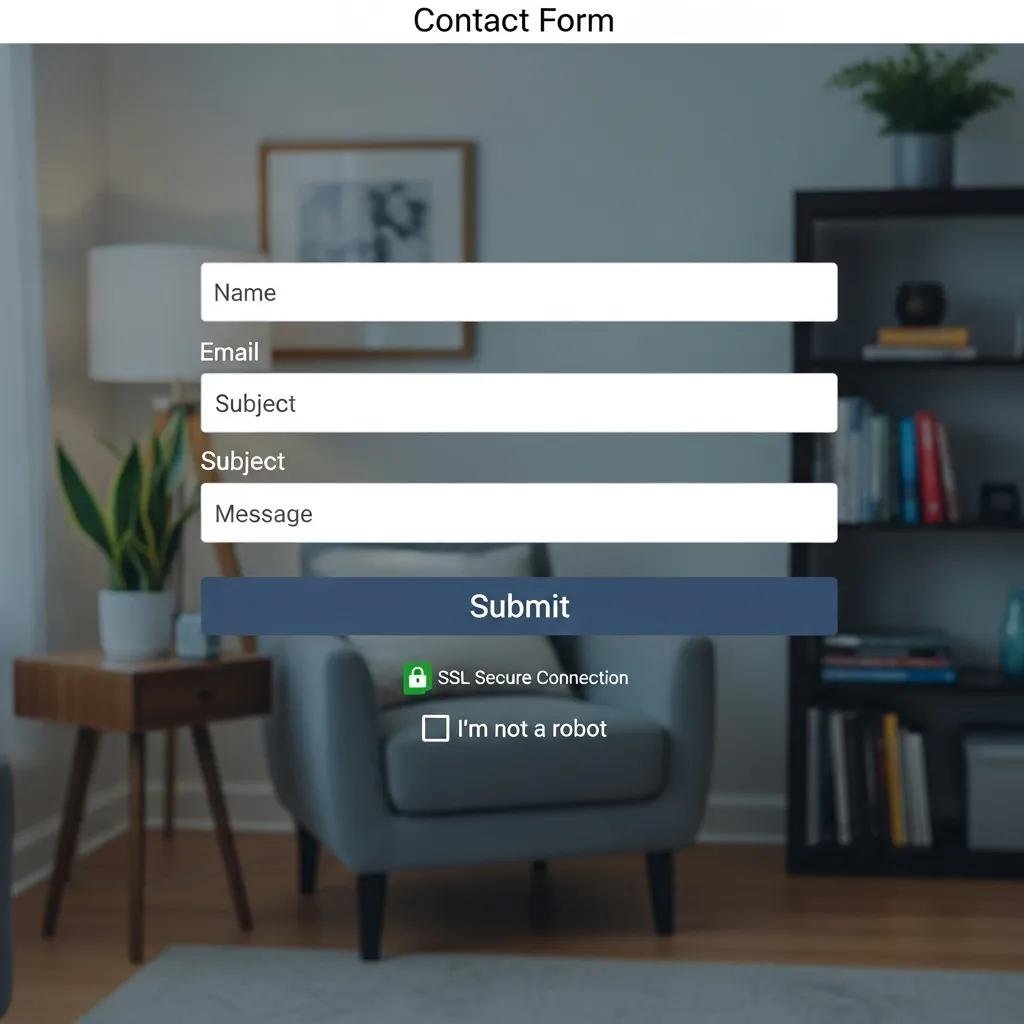
To safeguard client data, therapists should follow these best practices:
- SSL Certificates: Ensure the website uses SSL encryption to protect data transmitted through the contact form.
- Regular Updates: Keep all website software and plugins updated to protect against vulnerabilities.
- User Education: Inform clients about data security measures in place, enhancing their trust in the website’s safety.
This emphasis on data protection is particularly vital in the mental healthcare sector, where the sensitive nature of client information necessitates stringent security and privacy safeguards, as recent research confirms.
Digital Mental Health Security & Privacy for Web Platforms
In the wake of the COVID-19 pandemic, a rapid digital transformation has taken place in the mental healthcare sector, with a marked shift towards telehealth services on web and mobile platforms. This transition, while advantageous in many ways, raises critical questions regarding data security and user privacy given the sensitive nature of the information exchanged. This research underscores the urgency to bolster security and privacy safeguards in digital mental healthcare services, concluding with pragmatic recommendations to fortify the confidentiality and security of healthcare data for all users.
Security and privacy of digital mental health: An analysis of web services and mobile applications, M Wheeler, 2023
Which Contact Form Plugins and Integrations Work Best for Therapist Websites?
Choosing the right contact form plugins and integrations is essential for optimizing functionality and user experience. Several options are particularly well-suited for therapist websites.
What Are the Top Contact Form Plugins Compatible with Therapist Website Platforms?
Several popular contact form plugins offer robust features for therapist websites:
- Contact Form 7: A widely used plugin that allows for extensive customization and flexibility.
- WPForms: Known for its user-friendly drag-and-drop interface, making it easy to create forms without coding knowledge.
- Gravity Forms: Offers advanced features and integrations, ideal for therapists needing more complex forms.
How to Integrate Contact Forms Seamlessly with Therapist Practice Management Tools?
Integrating contact forms with practice management tools can streamline client interactions:
- API Connections: Use APIs to connect the contact form with practice management software, ensuring that client inquiries are automatically logged.
- Data Syncing: Ensure that data collected through the form syncs with the practice management system to maintain accurate records.
- Follow-Up Automation: Set up automated follow-up emails to engage clients after they submit inquiries, enhancing communication.
What Are Real-Life Case Studies of Successful Contact Form Fixes on Therapist Websites?
Examining real-life case studies can provide valuable insights into effective contact form management and troubleshooting.
How Have Therapists Improved Client Contact Through Form Troubleshooting?
Many therapists have successfully improved client contact by addressing common form issues. For instance, a therapist who experienced high submission failure rates discovered that a simple plugin update resolved the issue, leading to a significant increase in client inquiries. By regularly testing and updating their forms, they maintained a reliable communication channel with potential clients.
What Lessons Can Be Learned from Common Form Fix Scenarios?
Common form fix scenarios highlight several key lessons:
- Proactive Maintenance: Regularly checking and updating forms can prevent issues before they arise.
- User Feedback: Gathering user feedback on form usability can provide insights into potential improvements.
- Documentation: Keeping detailed records of troubleshooting efforts can streamline future fixes and enhance overall form reliability.
In conclusion, addressing contact form problems on therapist websites is essential for maintaining effective client communication. By understanding common issues, implementing best practices, and utilizing the right tools, therapists can create a seamless experience for potential clients. Regular maintenance and proactive troubleshooting will ensure that contact forms remain functional and user-friendly, ultimately supporting the growth of their practice.